![CS_logo_white.png]](https://supporthub.codescene.com/hs-fs/hubfs/CS_logo_white.png?height=32&name=CS_logo_white.png)
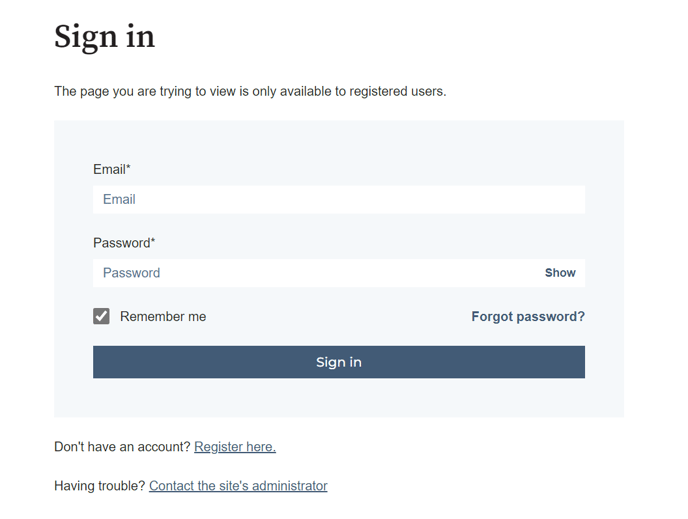
1. Log in to the CodeScene Customer Portal or sign up if you're not registered yet:
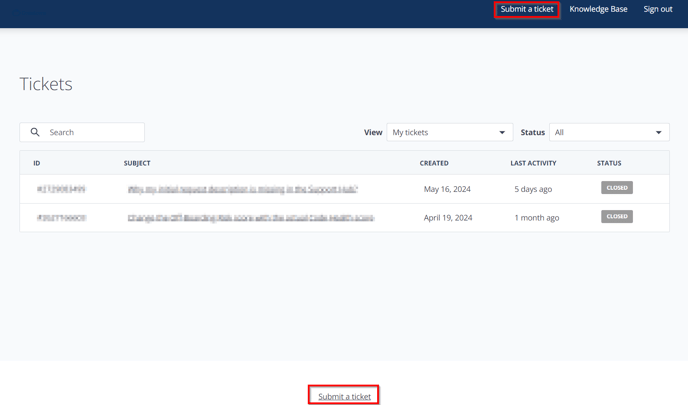
2. To create a Support ticket simply click on the button in the top right-hand corner of the home screen, or the link at the bottom of the page:
3. Fill in the form with the required details and click "Submit":
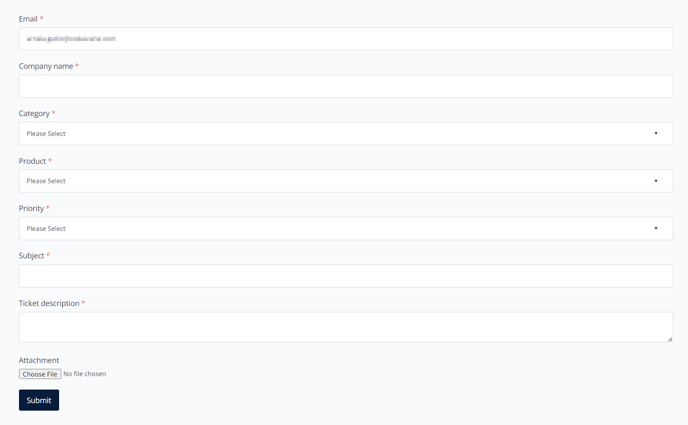
Note: Make sure to select the right ticket Category and Priority. More information regarding our Support process and Priority descriptions can be found here.